
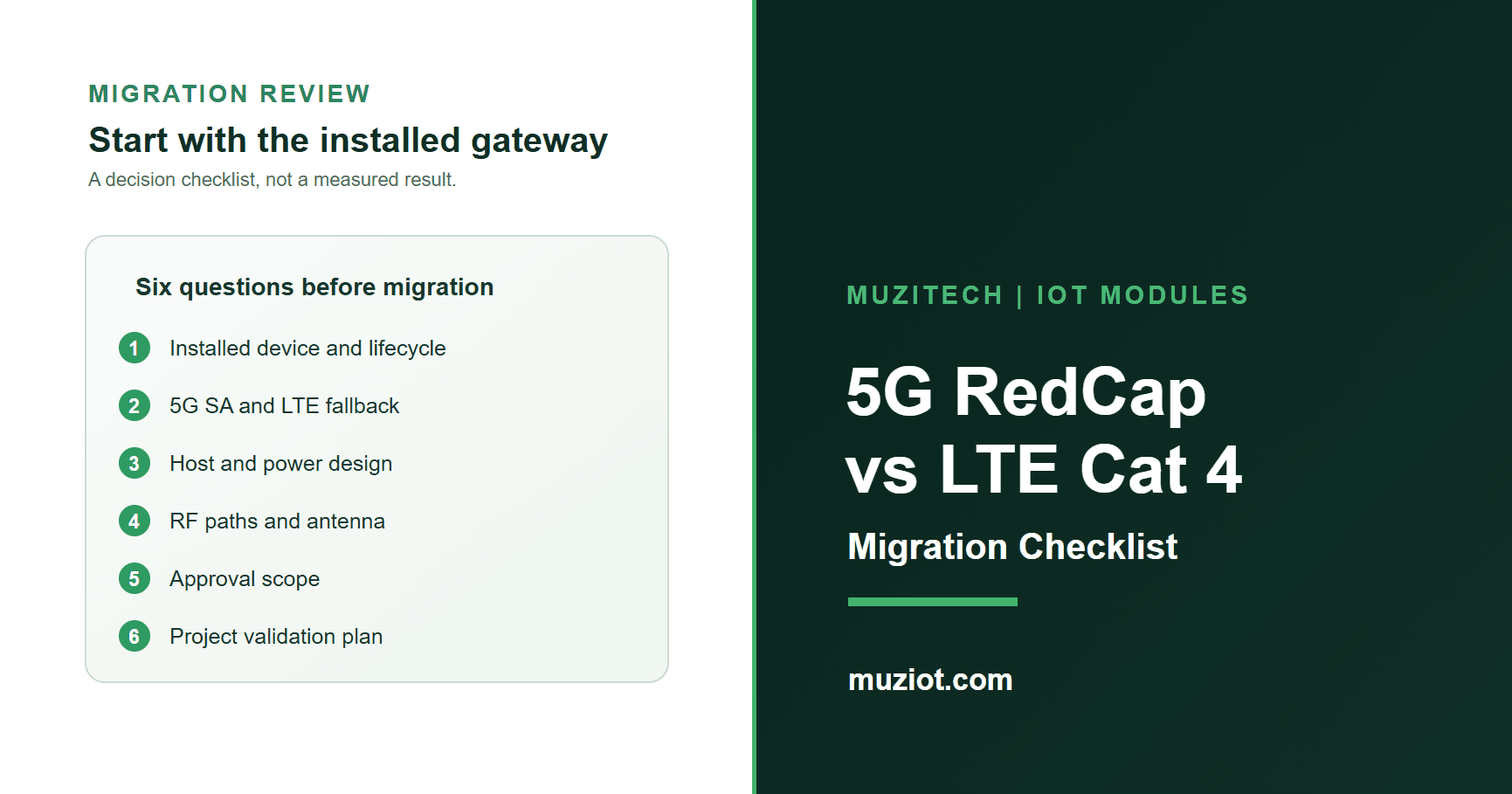
An LTE Cat 4 gateway that works today has already passed a long list of practical tests: its host recognizes the modem, the antennas fit the enclosure, the SIM attaches to the intended operator, and the application survives a weak signal. Moving that gateway to 5G RedCap is a new qualification project, even if the new module also supports LTE Cat 4. The useful question is not whether RedCap is newer. It is which parts of the existing design and deployment can be carried forward, and which must be checked again.
This checklist is for a US industrial gateway or similar powered device. It uses Quectel's EC25-AF as a documented North American LTE Cat 4 reference and the RG255C series as a RedCap candidate. Neither reference identifies a stocked configuration or approves a module-to-module replacement. Start with the exact hardware already in your product.
Freeze the Cat 4 baseline
Before requesting a RedCap sample, write down what the current Cat 4 device actually does. Record the installed modem's full ordering code, hardware and firmware revisions, host board revision, operating system and modem driver. Add the SIM or eSIM profile, operators, destination sites, antenna ports and cables, power supply, enclosure, required data rate, and the behavior expected when the link drops. A field device may spend most of its time on one LTE band even though the modem supports several; a band list alone will not describe the deployment.
The Quectel EC25 series is an LTE Cat 4 LCC family. Its EC25-AF variant is listed for North America, and the family headline peak is 150 Mbps downlink and 50 Mbps uplink under LTE. Those are theoretical radio figures, not the throughput of a customer's gateway. Muziot's EC25 family page also distinguishes a bare LCC module from Mini PCIe cards and board assemblies. A USB dongle carrying an EC25-AF is a different saleable assembly from an EC25-AF bare module. Specify the actual form in the baseline and in the quote.
If the installed Cat 4 part is not EC25-AF, keep it as the baseline. The comparison below still works: replace the example name with the real ordering code and its matching manual. Do not infer the present device's bands, approvals or firmware from an EC25 family page.
Separate RedCap SA from LTE fallback
RedCap is a 5G NR device class, but a RedCap purchase does not create 5G Standalone service at every site. The RG255C LGA series is documented for 5G SA RedCap operation with LTE Cat 4 fallback. Quectel lists regional RG255C-GL and RG255C-NA variants, among others. Quectel's RG255C series specification V1.4 lists different 5G and LTE bands for GL and NA. Select the actual ordering code and compare its bands with the intended operator's enabled service, SIM plan and deployment sites.
The manufacturer gives the RG255C series a theoretical 5G SA maximum of 223 Mbps downlink and 123 Mbps uplink. That is not an LTE fallback speed or a guaranteed application result. Quectel's EC25 headline of 150/50 Mbps is an LTE Cat 4 figure. The RG255C V1.4 sheet has a separate LTE maximum row that needs confirmation against the exact part and test mode before a numeric fallback claim is used. For a purchase decision, require measured throughput, attach and recovery behavior on the target network in both modes.
T-Mobile's device certification directory lists the RG255C-GL module for 5G SA RedCap and LTE Cat 4. Verizon's approved modules directory also lists RG255C-GL, identifying a surface-mount/soldered module and 5G NR SA RedCap plus LTE. These are specific module-level entries, not approvals for every M.2 configuration or finished gateway. Quectel's RG255C-GL M.2 specification V1.2 separately notes Verizon Delta testing for the applicable M.2 variant. None of these sources guarantees a customer's SIM, roaming plan or coverage at every site. Confirm the selected form and operator requirements, then test the actual deployment; include an LTE-only location in the acceptance plan.
Compare the host, RF and software work
Choose the module form before comparing connectors. Muziot has separate pages for the RG255C LGA module and an RG255C-GL M.2 reference. The M.2 page photographs RG255CGL00AB-4M2-SGASA; Quectel's model selector also lists that complete order code. This confirms that the code exists in manufacturer material, not that Muziot currently offers that exact revision or has stock. It does not turn the M.2 assembly into a bare LGA module. An LGA module cannot be fitted into an M.2 socket, and matching outside dimensions between LCC and LGA parts do not prove equal pads, signals or solder process.
Quectel says the RG255C LGA family is partially compatible with certain EG2x designs. Partial family compatibility is a prompt to obtain the applicable hardware design and compatible-design documents, not a pin-for-pin signoff for an EC25-AF board. Map the host's USB, PCIe and UART paths, SIM voltage and detect, reset and power sequencing, RF ports, GNSS option, antenna cables and ground scheme against the selected part. Check that the host software recognizes its actual modem interfaces and handles both SA-to-LTE and LTE-to-SA transitions. A working USB connection in a lab does not close the RF, power or software items.
Keep approvals at the correct level. The T-Mobile and Verizon module directories add useful evidence for RG255C-GL, but they do not certify an arbitrary M.2 assembly, host board or finished gateway. Request documents that match the selected form and revision, and ask the responsible certification team what the product change triggers. Confirm lead time and supplied form through the quote; neither a website listing nor a product photo establishes current stock.
Use a migration acceptance matrix
Use one row per observable decision. Mark an item open when a document, operator answer or test record is missing; do not turn an open cell into a pass because another model in the family supports the feature.
On narrow screens, swipe the matrix sideways to see every column.
| Decision gate | Existing Cat 4 device | RedCap candidate evidence | Pass condition |
|---|---|---|---|
| Identity and sales form | Full modem P/N, board revision, firmware and supplied assembly | Exact RG255C ordering code; LGA or M.2; hardware and firmware revisions | Quoted item and documents describe the same physical item |
| US radio plan | Used LTE bands, operators, SIM profile and sites | Candidate's NR SA and LTE bands; operator RedCap access and fallback policy | Operator confirms the configuration; site tests cover SA and LTE-only areas |
| Host and power | Footprint or socket, supply, peak load and boot sequence | Pad or socket map, voltage, inrush and interface documentation | Schematics and bench checks close every changed net and power condition |
| RF installation | Antenna paths, connectors, cables and enclosure | Candidate port map and required band coverage | Installed antenna system is reviewed and measured in the final enclosure |
| Software and recovery | OS, driver, network manager, application retry rules | Driver and firmware versions; SA/LTE mode handling | Registration, data sessions, mode changes and outage recovery pass recorded tests |
| Approval and supply | Current product approvals and manufacturing BOM | Module-level and operator evidence for exact variant; quote and change notices | Responsible team signs the device-level plan and procurement confirms the offer |
Table caption: A document-first comparison for an existing LTE Cat 4 design. Empty evidence cells are work items, not evidence of compatibility or measured performance.
The matrix deliberately has no universal "RedCap is faster" or "RedCap is cheaper" result. Test the workload that matters: steady traffic, firmware update size, startup time, weak coverage, network loss and a return from LTE to SA. Record the network mode, band, signal conditions, SIM, firmware, antenna installation and date with each result. A throughput number without those conditions cannot guide a fleet rollout.
Decide whether to change the design
Keep the qualified Cat 4 design when it meets the application and the RedCap plan has no confirmed benefit at the target sites. Evaluate RedCap when the operator can support the exact device, the product has a reason to use 5G SA, and the engineering team can budget the host, RF, software and approval work. A staged rollout can first verify the RedCap module's LTE operation and recovery before enabling SA at selected sites; it still needs a documented rollback path.
For a useful supplier review, send the current Cat 4 ordering code, host board revision, target US operators and sites, required network modes, annual quantity and desired module form. Muziot can use those fields to identify the matching RG255C or EC25 references and collect the documents needed for evaluation. Send the BOM and migration requirements; the quote must confirm the offered part, availability and supplied items. If you are still choosing the cellular tier rather than migrating a Cat 4 design, start with the RedCap overview or the Cat-1 bis comparison.