
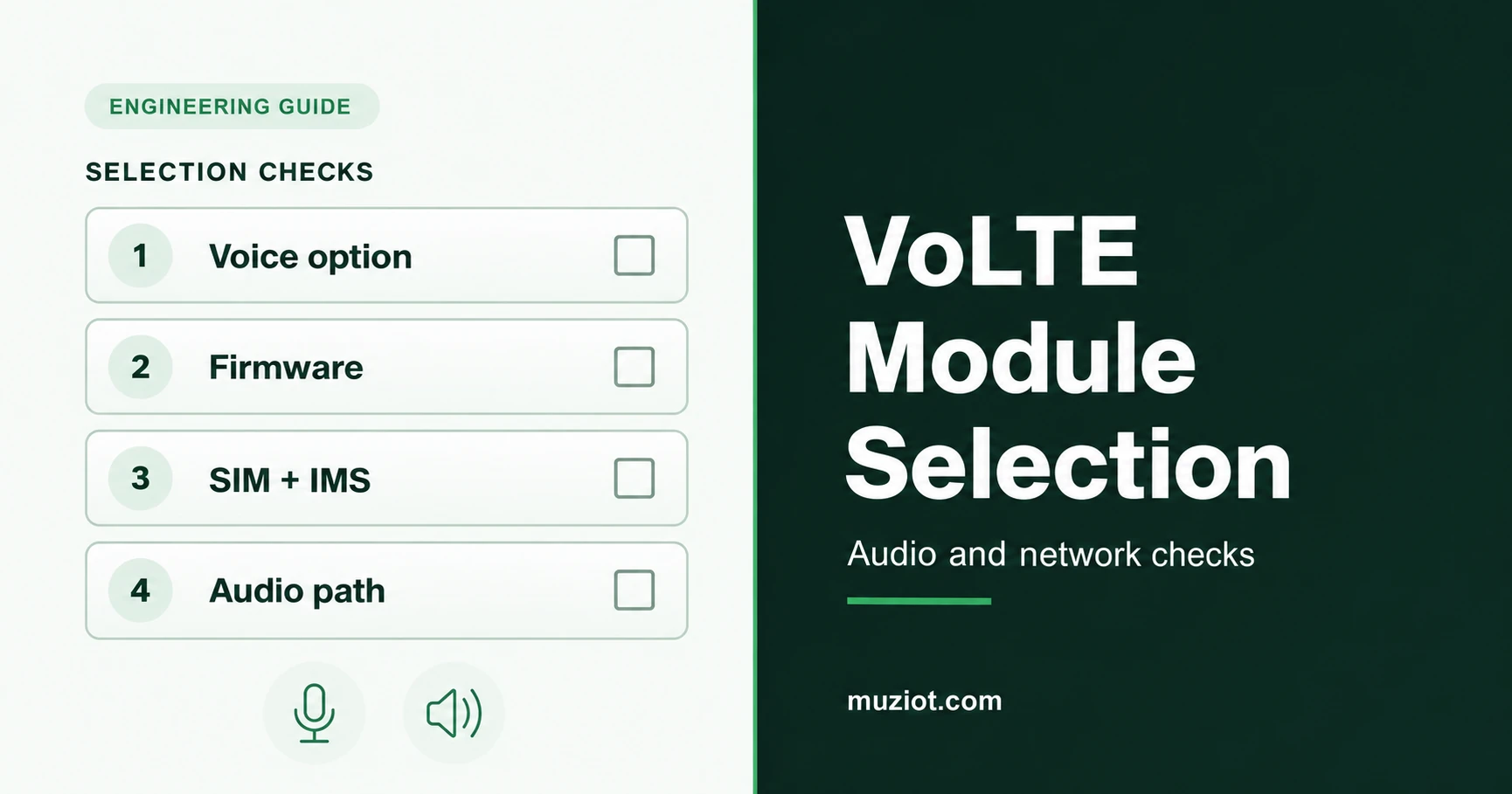
Choose a VoLTE module around the call service your product needs. Record the module's voice option, the supplied firmware, the SIM and operator service, and the finished device's audio path. Each needs a clear answer before you order a production configuration.
A feature line saying "VoLTE" is a starting point for that conversation. Ask the module supplier about its voice configuration, confirm the service requirements with the provider, and record the results when you test the assembled terminal.
Define the call service before choosing the hardware
VoLTE uses the operator's IP Multimedia Subsystem, or IMS, to deliver voice over an LTE access network. The GSMA's VoLTE overview explains that service architecture. An application that sends speech over a data connection has its own service and software requirements, so identify which call service the product will use.
For an ordinary voice terminal, write down incoming and outgoing call requirements, handset or speakerphone operation, and any need for DTMF or simultaneous data transfer. Add the destination country, intended operator or SIM provider, and the host system that controls the module. Use the module selection guide for the wider power, RF and host requirements.
If you are replacing a deployed 2G device, use the 2G/3G migration guide for the network-retirement plan. Keep the voice requirements beside that plan as a separate selection record.
Give each part of the design an owner
Use one record for the proposed combination. Ask each party to confirm the part it supplies or implements, then keep the answers together.
On a small screen, swipe across the table to see all columns.
| Part of the design | Who to ask | Record to keep |
|---|---|---|
| Module voice option | Module supplier and manufacturer | Full ordering code, hardware version and the voice features included in that configuration. |
| Firmware and host support | Manufacturer and host integrator | Firmware build, applicable feature documentation, host driver and supported audio route. |
| SIM and IMS service | Operator or SIM service provider | Voice service, provisioning requirements and the device or firmware conditions for the intended deployment. |
| Assembled audio and calls | Device engineering team | Board revision, microphone/speaker or codec path, call-control software and results from the complete terminal. |
Procurement can use the same record to compare quotations. Request the same voice configuration from each supplier and flag a proposed firmware, board or audio-route substitution for engineering review.
Read the voice option and the audio interface separately
The EC25-AF column in Quectel's EC25 series specification lists digital PCM audio and optional VoLTE. The series also includes data-only variants. Start with the exact variant and ask which voice option and firmware the quoted part includes. The EC25 manufacturer overview identifies VoLTE as optional.
A7672G provides a different interface example. Its dedicated column in SIMCom's specification lists analog audio support and PCM as optional; the series overview includes VoLTE. Use the A7672G documentation to identify the required interface, then confirm the offered firmware and voice configuration with the supplier.
An audio interface tells you where sound can enter or leave the module. Its presence does not establish the complete call service. Keep that distinction visible in the quotation: physical interface, enabled voice feature, firmware and service requirements each get their own field.
The EC25 series product page is a starting point for an enquiry about an EC25 configuration. State whether you need a bare module, a card or a board assembly. For a Cat 1 design, the A7672G product page provides the corresponding module reference.
Confirm the SIM and operator voice service
Ask the service provider whether the proposed SIM service includes ordinary voice calls and how IMS provisioning works for the intended device. Supply the full module code and firmware when the provider needs them to assess the combination. Include the country and operator; add roaming requirements if the product will cross networks.
Keep the provider's response and its date. Record any conditions on device approval, firmware, subscription or activation.
During evaluation, record network registration, IMS status where the supported diagnostic tools expose it, and the outcome of the call attempt separately. Also record the radio access actually used for the call. A call completed through a fallback network answers a different question from a call carried over LTE.
Trace the complete audio path
Draw the route from the microphone to the module and back to the earpiece or speaker. For analog audio, use the board's input and output design, including the microphone supply and output load. For PCM, identify the external codec and the required interface settings in the matching hardware documentation.
For USB audio, identify the supported host path. Quectel's EC2x/EG9x application note distinguishes raw PCM transported through a virtual serial port from UAC, which presents a USB audio-class device to the host. Confirm the route available in the chosen firmware before selecting host software around it.
Check the document's scope as well as its title. A manual covering TTS, file playback and recording may describe useful audio functions without describing the live call path you need. Use the module, codec or host documentation that matches the proposed assembly, and record the selected routing configuration.
Plan calls in both directions and save the results
Before testing, define what the terminal must do and how you will judge the result. Fix the module, firmware, SIM service, board revision and audio configuration for the first evaluation. Use controlled test numbers and timestamp the observations.
On a small screen, swipe across the table to see all columns.
| Evaluation | Record during the test |
|---|---|
| Outgoing and incoming calls | Call setup, answer, release, failure details and radio access used. |
| Two-way audio | What each end hears, selected audio route, mute behaviour and any echo or distortion. |
| Required call features | DTMF, speakerphone or concurrent data behaviour, according to the product requirements. |
| Recovery | Behaviour after an observed coverage interruption or device restart, with the test conditions recorded. |
Save the original call-control and diagnostic logs alongside the observations. If a call connects but one side is silent, preserve the service and audio-routing state before changing it. Change one item for the next comparison and record the new configuration.
Send a voice configuration that can be assessed
Include the ordering code, sales format, hardware revision, firmware build, voice option, country, service provider, audio route and host system in the request. Add sample and production quantities. Attach the provider's conditions and any call records already collected; mark unanswered fields for follow-up.
Use the Datasheet Center to request matching documents, or send the proposed configuration through the BOM service for a voice-capable module assessment. Ask the supplier to return the full ordering code and document revisions with the quotation.
Sources
GSMA: VoLTE overview, IMS and LTE voice-service definition.
Quectel: EC25 series, optional VoLTE and regional variants. The EC25-AF interface example uses the retained EC25 series specification identified as V2.9; request the revision applicable to the offered configuration.
SIMCom: A7672G, product overview and document resources; A7672 series specification V2024.09, A7672G column, and A7672X Hardware Design V1.05, August 16, 2023, section 3.6.
Quectel EC2x/EG9x Voice Over USB and UAC Application Note V1.0, February 18, 2019, sections 1-2. Use the manufacturer's EC25 resources to request the document and confirm firmware applicability. Sources reviewed October 23, 2026.