
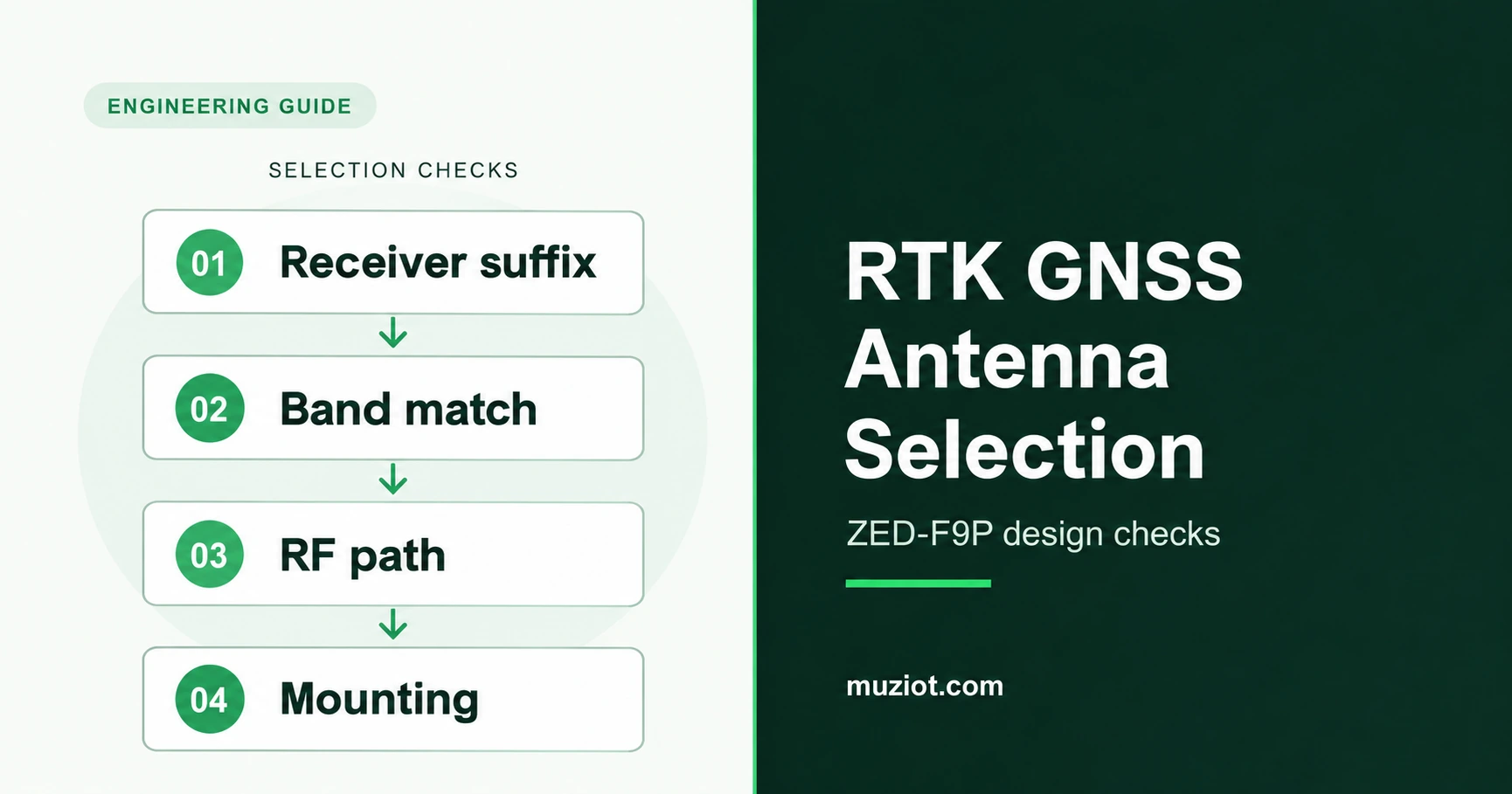
An antenna marked "GPS" may cover only the L1 band. Before ordering one for a ZED-F9P design, match its frequency coverage to the receiver suffix, check the active antenna supply, and account for the complete cable path. Then compare candidates in the intended mounting position.
Use the checks below to build a shortlist and request comparable samples. Start with the full type number on your receiver or board documentation. The ZED-F9P product page separates the 01B reference photo from the 05B download.
Match the antenna to the receiver suffix
ZED-F9P variants have different signal combinations. The GPS frequencies below show why an L1/L2 antenna and an L1/L5 antenna need separate checks. Use the linked data sheet to include the other constellations enabled in your design.
On a small screen, swipe across the table to see all columns.
| Receiver type | GPS signals in its data sheet | Antenna check |
|---|---|---|
| ZED-F9P-01B-01 | L1 C/A: 1575.42 MHz; L2C: 1227.60 MHz | Confirm L1/L2 coverage and the additional GNSS signals listed in section 1.3 of the 01B data sheet. |
| ZED-F9P-05B-00 | L1 C/A: 1575.420 MHz; L2C: 1227.600 MHz | Use the 05B signal table, including its Galileo, BeiDou and GLONASS entries. |
| ZED-F9P-15B-00 | L1 C/A: 1575.420 MHz; L5: 1176.450 MHz | Check L1/L5 coverage against the 15B signal table. An L2 passband alone leaves the L5 requirement unanswered. |
The sources are the u-blox 01B R09, 05B R02 and 15B R04 data sheets, section 1.3. These three documents also specify an active antenna.
Ask the supplier for performance by band, together with the full antenna code, cable option and data-sheet revision. That identifies the assembly when a connector or cable option changes.
Check power and gain along the complete RF path
Trace the antenna supply on the receiver board. Record the voltage available at the antenna under load, its current requirement, and the board's current limit and short-circuit protection. Include voltage drop through the cable and bias circuit. Use the schematic to trace VCC_RF or an external supply through the board's bias network to the connector. u-blox describes the supply options in Integration manual R16, section 4.4.1.
Keep amplifier gain in dB separate from antenna element gain in dBic. Table 39 in that manual recommends 17-50 dB active antenna gain, including passive losses in filters, cables and connectors. Compare that budget at each required band.
For an illustrative budget, assume 28 dB amplifier gain, 3 dB cable loss and 1 dB additional loss. The remaining gain is 28 - 3 - 1 = 24 dB. Replace those assumptions with the candidate's documented values. Check whether its quoted gain already includes the supplied cable before subtracting that loss.
Use this table to request comparable information from each supplier.
On a small screen, swipe across the table to see all columns.
| Selection field | What to record |
|---|---|
| Bands and polarization | Supported GNSS signals, RHCP performance and gain pattern for each required band. |
| Active RF path | Amplifier gain, noise figure, filter response, and cable/connector loss at the relevant frequencies. |
| Power | Antenna operating voltage and current; board bias supply and protection; loaded voltage at the antenna. |
| Connection | Exact connector series and mating part, cable type and length, adapters, and cable exit direction. |
| Mounting | Ground-plane requirement, orientation, enclosure clearance, fastening, and environmental rating. |
| Position reference | Defined antenna reference point, phase-center information and matching calibration where the application requires it. |
Check the mating drawings for both ends of the cable. Specify the connector as part of the assembly, including any adapter. Replacing a connector or extending a cable changes the item you are evaluating.
Evaluate the mounting position with the antenna
The enclosure and nearby metal affect antenna matching and radiation pattern. A patch antenna's specified ground plane is part of its installation; a helix has its own placement requirements. Follow the candidate manufacturer's mounting guidance. u-blox discusses these effects in its GNSS antennas application note, sections 5.1-5.3.
Request the test ground-plane dimensions with the radiation-pattern plots. Check whether the proposed bracket, vehicle roof or enclosure represents those conditions. Photograph the installed orientation and cable route so a second sample can be mounted the same way.
For coordinate work, define the physical antenna reference point and the point your application reports. NOAA's antenna calibration FAQ explains phase-center offset and variation, and why calibration depends on the antenna configuration. Record the antenna and radome identifiers when using calibration data. Have the positioning engineer confirm how the selected receiver and software handle that data.
Compare candidates under recorded conditions
Prepare the comparison before swapping antennas. Set the observation period and the application's acceptance criteria, including the position reference and allowable outages. Use the same receiver, firmware, correction source and mounting arrangement for the first comparison. Save the raw logs.
Record time to an RTK fixed solution, time spent in each solution state, interruptions and recovery, and carrier-to-noise density (C/N0) by signal band. Define whether timing starts at boot or at the arrival of usable corrections. If you evaluate position error, use a reference position with a stated uncertainty. A fixed-state indicator and a measured position error answer different questions.
After the open-sky comparison, test the selected assembly in its intended enclosure and operating environment. Include the device's normal workloads, such as cellular transmission or motor operation, and label when each workload starts. The LTE and 5G antenna guide covers the cellular antenna choices alongside this GNSS work.
Keep correction delivery visible in the log. The ZED-F9P NTRIP guide explains the separate correction path. A useful comparison records both the antenna assembly and the correction stream, making an interruption easier to investigate.
Send a shortlist that can be quoted
For each candidate, attach the full antenna code and revision, receiver type and firmware, required signal bands, bias supply, cable/connector assembly, mounting sketch and intended environment. State the sample quantity, expected production quantity and the tests the samples must pass. Leave missing supplier fields visible for follow-up.
If the receiver and cellular hardware are still being selected, use the module selection guide to organize the wider device requirements. Request matching receiver documents through the Datasheet Center, or send the antenna requirements and receiver details through the BOM service for a component enquiry.
Sources
u-blox ZED-F9P-01B data sheet, UBX-17051259 R09, March 24, 2023; sections 1.3 and 2.1.
u-blox ZED-F9P-05B data sheet, UBXDOC-963802114-12824 R02, October 16, 2024; sections 1.3 and 2.1.
u-blox ZED-F9P-15B data sheet, UBX-23009090 R04, January 10, 2025; sections 1.3 and 2.1.
u-blox ZED-F9P integration manual, UBX-18010802 R16, October 30, 2024; sections 4.4 and 4.4.1, Table 39.
u-blox GNSS antennas application note, UBX-15030289 R03; antenna matching and placement guidance.
NOAA NGS antenna calibration FAQ, questions 1-4, 8 and 9. Sources reviewed October 23, 2026.