
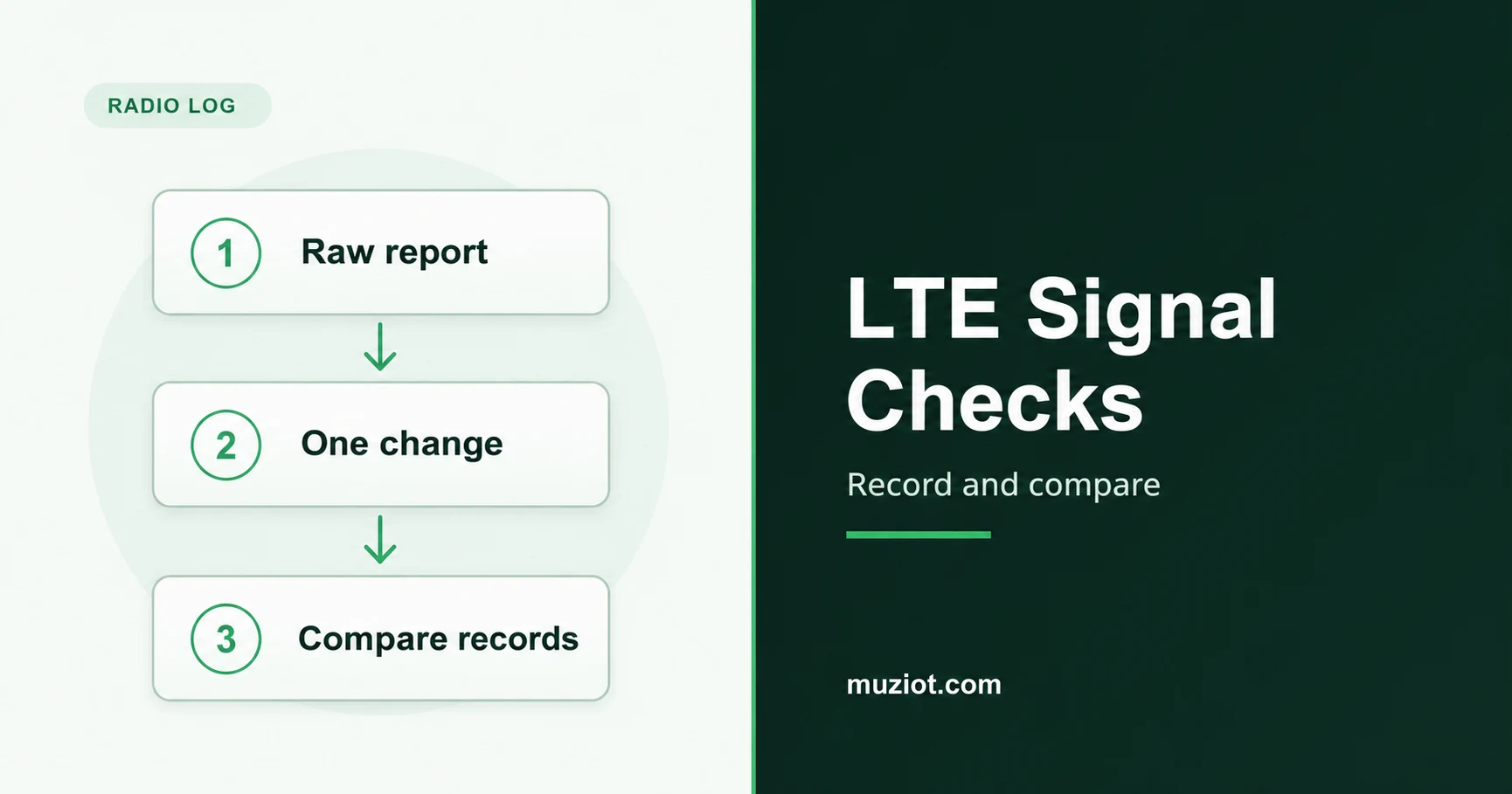
When an LTE gateway registers and passes data but transfers keep stalling, save the radio report during the failure. Capture the traffic conditions too, before changing the installation.
Start here once the module has registered and the host can establish a data session. For a module that is still searching, has been denied registration or cannot establish that session, follow the LTE registration checklist first.
Separate signal level from signal quality
RSRP, RSRQ, RSSI and SINR describe different parts of the received signal. In LTE, RSRP concerns reference-signal power. RSRQ relates that power to carrier RSSI over the same resource blocks. Carrier RSSI includes received power from the serving cell, other cells, interference and noise. The LTE measurement specification, V15.3.0, defines these quantities in sections 5.1.1 and 5.1.3.
Keep four different readings in the record
Scroll sideways to read all columns.
| Metric | Meaning | Record alongside it |
|---|---|---|
| RSRP | Power in the LTE reference signals. | Cell, frequency and installation. |
| RSRQ | A ratio involving reference power and carrier RSSI. | Measurement context and bandwidth. |
| RSSI | Received power that includes multiple sources. | The command and its reporting scale. |
| SINR | Signal relative to interference and noise. | The vendor field definition and scale. |
Power can be expressed in dBm; a power ratio can be expressed in dB. Those physical units do not identify how a modem encodes an AT reply. Keep the command name attached to every number.
Keep the raw reply beside the decoded value
As a document example, the Quectel EC2x&EG9x&EG2x-G&EM05 AT manual V2.0, dated February 24, 2021, includes the EC25 series. Its LTE reply to AT+QENG="servingcell" places RSRP, RSRQ, RSSI and SINR after the cell and bandwidth fields. Read the returned radio technology before assigning those columns.
That version specifies SINR as a direct logarithmic value from -20 to +30 dB. It does not explicitly state the output scaling for the three RSRP, RSRQ and RSSI fields. Save those fields unchanged until the matching firmware documentation establishes their mapping. Avoid borrowing a conversion from another command or module.
The manual treats a returned hyphen as invalid for the current condition. A short SEARCH reply can omit the metric fields. Preserve both cases as unavailable, with the original text. A valid SINR of 0 dB is still a value. NOCONN means registered and idle in this document; it does not establish that an end-to-end data session works.
AT+CSQ uses a separate strength code. Section 8.5 of ETSI TS 127 007 V18.6.0 agrees with the manual’s ordinary RSSI parameter table:
Decode the CSQ RSSI code with its endpoints intact
Scroll sideways to read all columns.
| CSQ strength code | Meaning |
|---|---|
| 0 | -113 dBm or less. |
| 1 through 30 | Corresponding table value: -113 + 2*n dBm, where n is the code. |
| 31 | -51 dBm or greater. |
| 99 | Unknown or not detectable. Do not convert it. |
Values outside this set need their own documented mapping. The separate BER field uses RxQual classes 0 through 7, with 99 for unknown; those classes are not literal percentages or dBm.
Capture a baseline before touching the antenna
Save the full reply, timestamp and time zone. Add the module’s complete ordering code, firmware and document version. Record the host, interface, antenna part, connected RF port, cable chain, position, height and orientation.
Keep the cell context too: radio technology, band, EARFCN, PCI and bandwidth fields. Store a bandwidth code separately from its decoded value. If the serving cell or band changes between attempts, flag that change in the record.
Collect repeated observations over the period in which the problem occurs. Pair them with the actual transfers, rather than using one idle reading to describe a later busy interval. Leave an unmeasured field blank and retain any error reply.
Change one installation variable at a time
Choose a specific comparison: antenna position, orientation or one documented cable change. Confirm bands, ports and mating parts using the LTE and 5G antenna selection guide before substituting hardware. Follow the hardware instructions for making the change.
- Record the original arrangement and its traffic conditions.
- Make the one intended change and repeat the same traffic task.
- Check for changes in cell, band, host workload or test endpoint.
- Where practical, return to the original arrangement and repeat the observation.
A return check helps expose a result that changed with time rather than with the installation. It does not control the mobile network. If several conditions changed, label the run as exploratory and arrange a narrower comparison.
Match the performance window to the radio log
Record transfer direction, protocol, server, duration and the way you calculated throughput. Add latency and packet loss when they relate to the reported fault. Keep the same method across attempts; changing the server midway creates another possible explanation.
Check host conditions alongside the radio record. Interface negotiation, connection-manager behavior and competing work can affect the transfer you observe. The QMI, MBIM and ECM guide covers the host and data-session path.
Choose the next check from the pattern
Once the output mapping is confirmed, a repeatable change in a signal metric gives you a reason to inspect the associated installation change. Compare it with the traffic result. Higher received power alone does not identify whether interference, scheduling or the host caused a slow transfer.
If the radio record looks similar but transfers vary, check the endpoint, time window and host path before replacing more RF hardware. If the reply is missing or invalid, resolve its state and command support first. Preserve the raw reply so another engineer can check your interpretation.
For module selection, carry these requirements into the cellular module selection guide. Request the applicable command documentation through the datasheet center. For a BOM inquiry, include the full module code, firmware, antenna chain and intended installation. Keep the comparison record with the request.
Sources
- Quectel EC2x&EG9x&EG2x-G&EM05 Series AT Commands Manual, V2.0, February 24, 2021: scope and sections 6.3/6.17.
- ETSI TS 127 007 V18.6.0, May 2024: section 8.5, CSQ.
- ETSI TS 136 214 V15.3.0, October 2018: sections 5.1.1, 5.1.3 and 5.1.23, physical LTE measurement definitions.