
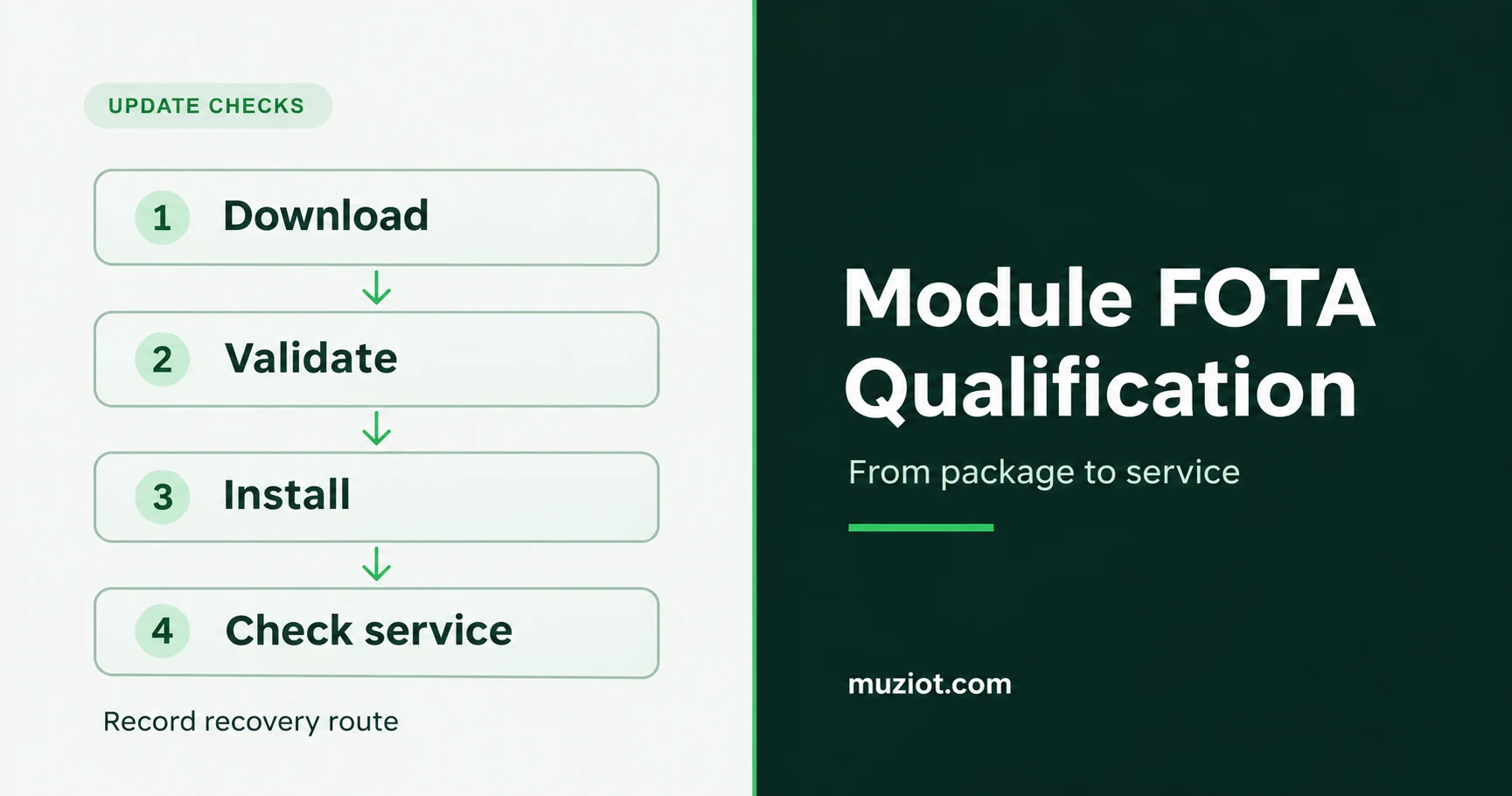
A firmware file can reach a cellular module successfully while the device still fails to return to service. Installation may still be running, the host may reset the modem too soon, or the application may need to restore its connection settings. A FOTA qualification plan needs evidence for each of those steps.
Start with the exact module variant, installed firmware and intended target release. Then follow the update through download, validation, installation and a real application transaction. This is the firmware follow-up to the broader cellular module selection checklist.
Identify the firmware and the supported update path
Write down which processor receives the new image. Updating the modem firmware and delivering an image for the host processor are separate jobs. The SARA-R510AWS application guide treats module firmware in section 8 and host OTA in section 9. An entry labeled “OTA supported” leaves that distinction unanswered. See the SARA-R510AWS guide, sections 8-9.
Record the full ordering code, hardware revision, starting firmware, target firmware and package identifier before the test. Add the matched release notes and update-guide revision. Confirm that the package supports that starting release and update method before loading it.
Also settle the recovery route: which interface remains accessible, which tool and package it requires, and who can perform the recovery on the assembled product. Put these details in the test record while the development board and service connections are available.
Record each stage separately
The SARA-R5 update guide separates download, validation and installation. Download timing depends on the transfer conditions; validation checks the image; installation applies it. A download-complete indication therefore leaves work still to do. See the SARA-R5 update guide, section 2.
Give each stage a timestamp and an observed result. A stalled update is easier to diagnose when the log shows where it stopped. Capture the host log alongside the module’s documented status indications. Keep the update-service result too, where that service exposes one.
Before testing, agree what the host will wait for and when it may declare a failure. Use the timing guidance and readiness indication for the exact module and release. A timeout borrowed from another device can turn an expected installation pause into an unnecessary reset.
Let the host wait through installation
Check the application’s watchdog and modem-reset logic before the first update. An AT interface that normally answers quickly may become unavailable during installation. The host needs an update state that handles that interval.
For SARA-R5, the guide describes host monitoring during installation and notes that some status indications are unavailable on specified module versions. It also instructs the host to avoid resetting the module while the update is being applied. Keep the supply connected and do not deliberately interrupt installation with a reset or power cut. See the SARA-R5 update guide, section 3.7, especially page 20.
If a reset occurs unexpectedly, correlate the host log with the voltage at the module’s actual supply input. The power-supply reset checklist explains that measurement. Record the update stage at the same time so a supply fault does not get mistaken for a rejected package.
Match recovery to the failure stage
“Resume after interruption” needs a precise test case. In the documented SARA-R5 uFOTA download flow, signal loss can be followed by resumed downloading while the operation remains active. A power loss or unsolicited reset starts the download again. Those are different outcomes, even when both eventually lead to a successful update. See the SARA-R5 guide, section 3.2.2.
Recovery also changes with the update method. The same guide’s wired FOAT procedure can leave the module in Firmware Update Mode awaiting retransmission after a failed update. That is a separate service path from the uFOTA download behavior. See section 4.1.1.
Define failure cases from the matched guide and run them on development hardware under its permitted conditions. For each case, record whether the device resumes, restarts the transfer, returns to usable firmware or requires the documented recovery procedure. Do not write “automatic rollback” as the acceptance criterion unless the selected update path explicitly provides it.
Check the application after the version changes
Read back the installed firmware version once the documented interface is ready. Then check the configuration the application needs to reconnect.
The SARA-R510AWS guide states that its application endpoint and APN settings are erased during the module firmware update and must be configured again. Its FOTA example checks the firmware version and then reconnects to report the result. Use that sequence as a reason to inspect configuration persistence in your own matched guide. See the SARA-R510AWS guide, section 8, page 26.
Network registration is one checkpoint; an acknowledged application transaction is another. Record both, along with the time the device takes to return to service. If registration fails, use the LTE registration troubleshooting guide to investigate the connection state before attempting another flash.
Use one qualification record for the release decision
The proposed cases below form a starting worksheet. Fill in observed results and project-specific acceptance criteria during testing.
Proposed qualification cases
Swipe horizontally to read all columns.
| Case | Evidence to keep | Acceptance question |
|---|---|---|
| Supported starting-to-target update | Package identity, stage log, reported version | Did the documented path install the intended release? |
| Documented download interruption | Stage, interruption type, transfer outcome | Did resume or restart match the selected guide? |
| Host waiting during installation | Host state, readiness indication, reset log | Did the host wait without interrupting installation? |
| Configuration and service recovery | Required settings, registration, acknowledged transaction | Did the application return within the project’s agreed limit? |
| Supported recovery procedure | Failure state, interface, tool, package, final version | Can the responsible team restore service on this hardware? |
File the firmware pair, test evidence, unresolved failures and decision owner together. List untested cases and why they remain open.
Need the documents for a module under consideration? Start with the datasheet center. For a sourcing review, send the BOM with full ordering codes and the firmware-document requirements your engineering team has identified.
Sources
- u-blox, SARA-R5 series: Firmware update with uFOTA, FOAT and EasyFlash, UBX-20033314 R03, 14-Feb-2023, C1-Public. Sections 2, 3.2.2, 3.7 and 4.1.1; pages 6, 11, 17-20 and 24. Copy hosted in SparkFun’s SARA-R5 component documentation.
- u-blox, SARA-R510AWS: Application development guide, UBX-22017004 R06, 19-Sep-2024, C1-Public. Sections 8-9, pages 26-28. Public copy hosted by u-blox.