


Description
Hardware configuration
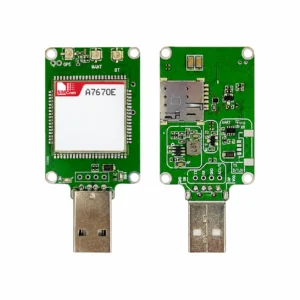
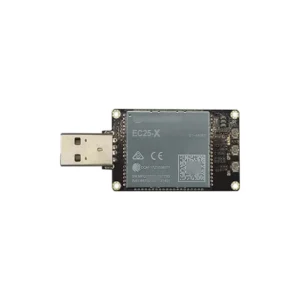
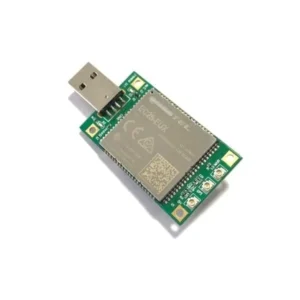
M.2 modem USB adapter configuration. Use this page to select an adapter or assembled modem for evaluation and host integration. Confirm the board and modem configuration with your quotation.
Photographs and supplied items
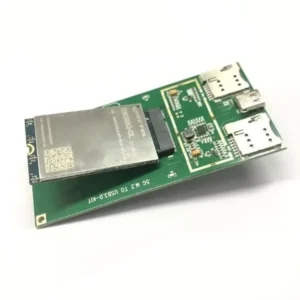
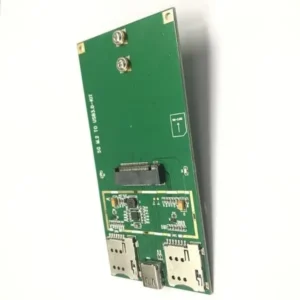
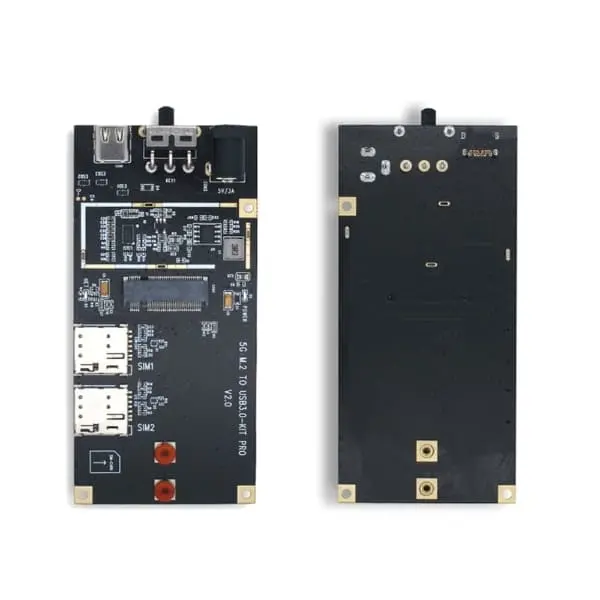
The gallery contains two distinct layouts: a green board marked 5G M.2 TO USB3.0-KIT, photographed with Quectel RM500Q-GL, and a black board marked 5G M.2 TO USB3.0-KIT PRO V2.0. The green board has two SIM holders; the black PRO board adds visibly different controls and a barrel-style power connector.
| Sales form | M.2 modem USB adapter configuration. Distinguish an unpopulated adapter from an assembly supplied with a modem. |
|---|---|
| Module / board identity | Order by complete module P/N and adapter revision, not by the generic 4G/5G title. Historical photos identify examples and do not establish current availability. |
| Kit contents | Specify board-only or board-plus-module, antennas, RF cables, SIM requirements, USB cable, enclosure and power accessories. Only the quotation establishes the included items. |
| Power and host | Obtain the board input rating, connector polarity, output rail, peak-current capability and host requirements before connection. |
| Network and performance | Determined by the installed module, firmware, antenna, SIM and network. An adapter does not add radio bands or certify operator acceptance. |
Integration checks
The old description referred to an mPCIe host slot although the photographs show USB adapter boards. Select the required board explicitly. Confirm USB speed, power connector and input limits, reset/SIM controls and modem support; board labeling alone does not establish a sustained transfer rate.
Check mechanical clearance, cooling, antenna connectors, host driver version and application software before deployment. Do not insert or remove a module or SIM under power unless the matched instructions explicitly permit the operation.
Technical references
The available M.2 to USB—94mm.pdf depicts a blue USB Type-A board; USB3.0 to M.2 Adapter Board.pdf depicts a shielded 90 x 40 mm board. Neither establishes the electrical ratings of these green/black boards. Request the standard or PRO-specific instructions and revision drawing.
Request the applicable board specification, hardware instructions and compliance documents during enquiry follow-up. Adjacent-board manuals, module marks and historical family certificates do not establish the certification or tested performance of the quoted assembly. Current status and applicable hardware/software revisions require confirmation.
Related adapters and enquiry
Send the intended module, host model/OS, destination country/operator, quantity, connection requirements and accessory list with your BOM enquiry. Browse the Datasheet Center for related module references.