
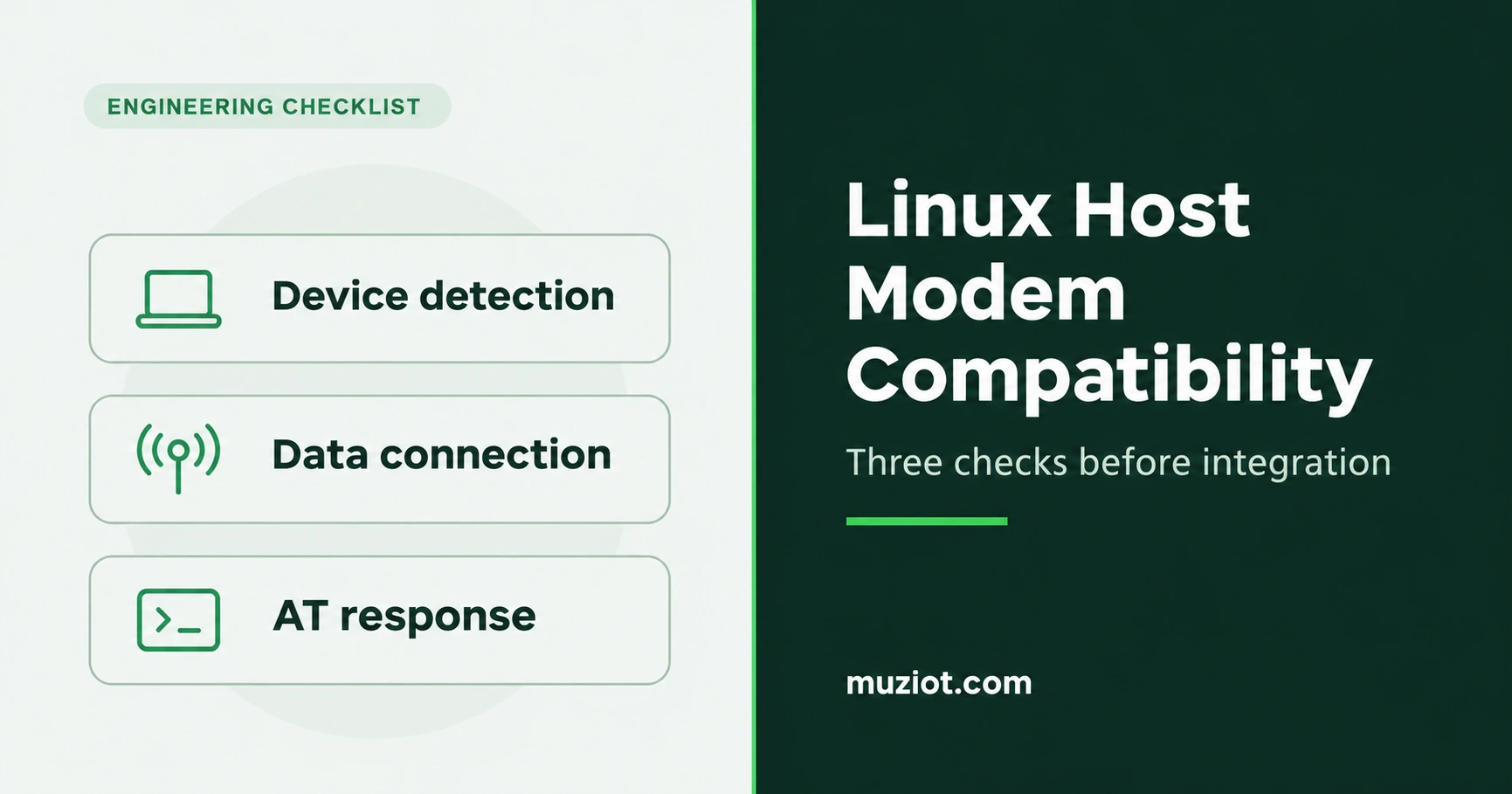
A modem can appear in lspci and carry traffic while the terminal you opened still gets no AT reply. Before you commit to a host and adapter, verify that the host sees the modem, traffic uses the cellular interface, and the modem answers on its AT port.
Record the assembly before testing it
Start with the six fields in the compatibility record. Keep the host, adapter and module revisions together so another engineer can identify what was actually connected.
| Record | What to capture |
|---|---|
| Module | Exact ordering code, hardware revision, firmware version and selected interface mode. |
| Host and adapter | Host model, adapter part number and board revisions. Save the relevant wiring or schematic reference. |
| Signal path | Identify the bus that reaches the modem and the bus used for data and control. Check the host connector, adapter wiring and module mode against each other. |
| Board integration | Check the required supply, power-up and reset behavior, SIM routing, and antenna connections against the documents for this board. |
| Software | Record the OS build, kernel, driver and connection manager versions. Save the detected device and port names with the logs. |
| Result | Record enumeration, cellular traffic and the AT exchange separately. Mark any unchecked item and note the conditions for each result. |
Download the existing host and module compatibility record (fillable PDF)
Check enumeration, traffic and control
- Identify the device. Use
lspcifor the PCIe path orlsusbfor the USB path. Match the detected device and driver to the modem you installed. Record any modem device nodes the host exposes. - Prove the data path. Bring up the cellular connection, then record the interface, assigned IP and route used for a test request. Check that the traffic uses the modem instead of a second connection such as Wi-Fi.
- Prove the control path. Open the AT device documented for your driver and interface mode. Send a basic
ATand save the reply, together with the port path and terminal settings. Save the exchange even when the port times out.
ModemManager guide to USB and PCI devices
User report from a Raspberry Pi 5
A user reported running a Quectel RM520N-GL on a Raspberry Pi 5 with a Waveshare RM520N-GL 5G HAT+. The Pi listed a Qualcomm device in lspci, and the user reported internet access after starting waveshare-CM. In the same setup, minicom received no AT reply on /dev/ttyAMA0. The follow-up identified /dev/mhi_DUN as the working AT port over PCIe. The thread gives no module firmware string, OS image or kernel version. Treat its port mapping as a lead to check against your own system.
Original user thread, December 3, 2024 and January 5, 2025 follow-up
Quectel’s Pi H1 reference
Quectel’s separate guide pairs its Pi H1 with an RM520N-GL PCIe card. It uses a USB AT port on a PC for the initial PCIe endpoint configuration. On the Pi H1, it checks lspci and the MHI device nodes, then uses quectel-CM and verifies the data connection. Use the guide for the documented Pi H1 setup.
Quectel Pi H1 guide, February 28, 2026
For a host and module assessment, attach the filled record and the three checks to your BOM. A log showing where the setup stopped is useful even when the test did not pass.
Cellular module form factor guide and earlier vendor examples