
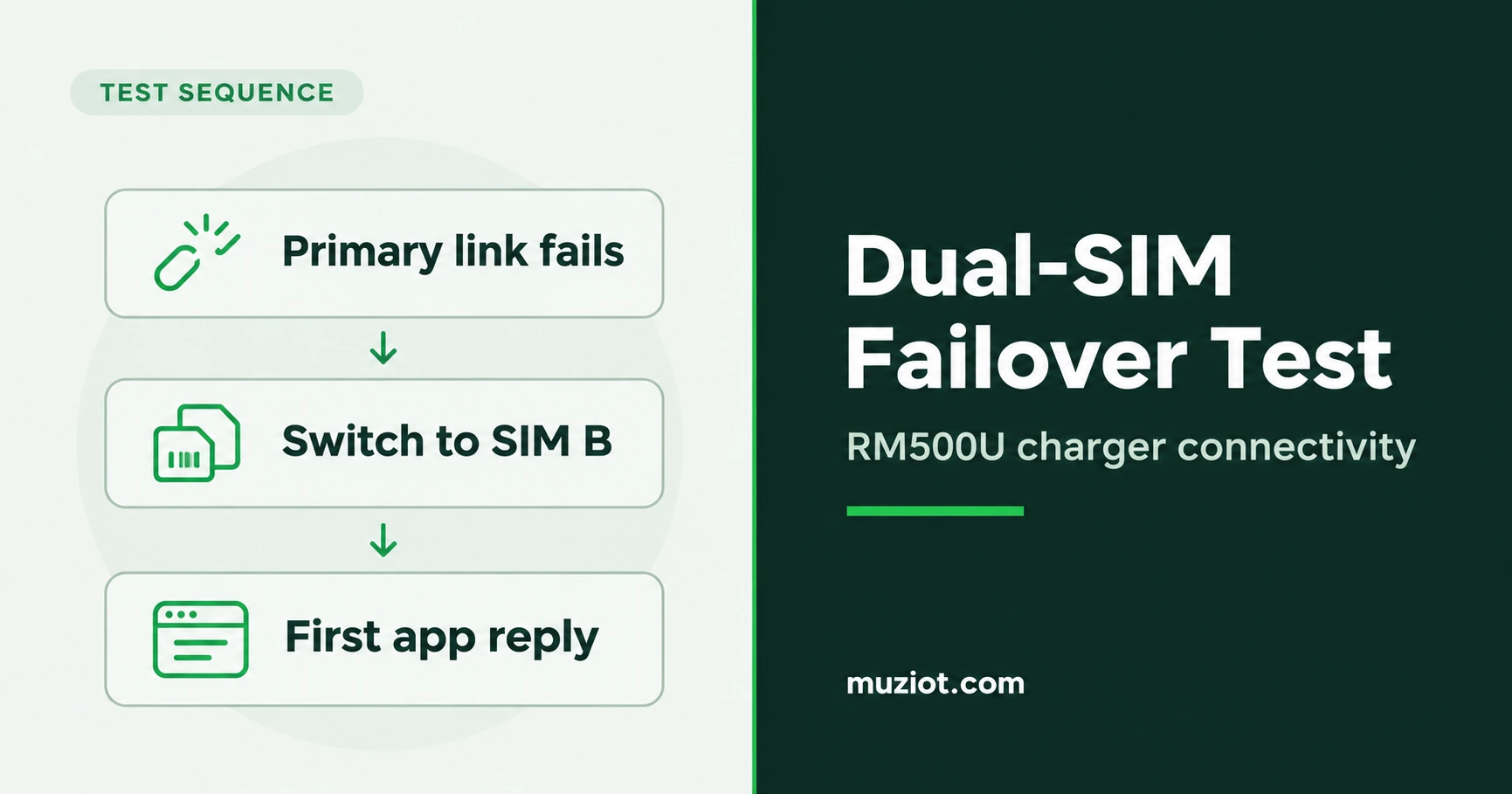
Start with a charger that can reach its test backend on the primary SIM. Introduce a defined fault on that path. The test ends when the charger receives the first valid application reply over the backup SIM. Save the events between the fault and that reply.
Quectel’s application note describes firmware-supported dual SIM dual standby (DSDS), with one SIM carrying data at a time. It shows how to hand off a data session and how to change the modem’s data path and the host route when two network interfaces are configured. Test the exact board and firmware before promising automatic failover or a recovery time for an RM500U-EA or RM500U-CNV.
Quectel RGx00U & RM500U DSDS Application Note, V1.0, April 18, 2024, printed pp. 6-12
Prepare one traceable test setup
| Test setup | What to record before a run |
|---|---|
| Hardware and firmware | Target charger controller and carrier-board part numbers and revisions, exact RM500U ordering code and hardware revision, full firmware string, and confirmation that the firmware supports the selected SIM mode. |
| SIM connections | Map SIM A and SIM B to the module slots or external selector on the target schematic. Record SIM-detect polarity where used, the carrier and APN for each SIM, and any profile or switch settings. |
| Host software | OS and kernel, modem driver, connection manager and version, firmware-specific AT port mapping, modem interfaces, IP family and routing policy. |
| Trigger and pass condition | Controlled fault, detection threshold and retry policy, expected switch owner, probe cadence and time limit, and the application response that counts as recovery. |
Use a test charger and backend. Verify that each SIM can reach that backend on its own before testing A-to-B recovery. Return to the primary path and confirm a valid application request on SIM A. Record other enabled interfaces or hold them out of the test so they cannot carry the recovery probe.
Run the switch and verify the backup path
- Trigger the selected failure. Create a controlled loss of the primary data session or use a test network to reproduce the specific fault you want to detect. Record precisely what was interrupted and when. Keep the test backend reachable from SIM B throughout the run.
- Watch the switch decision. Record the moment the device declares the primary path down, then identify who initiates the switch. If an operator issues a command, record the run as a manual switch. To validate automatic failover, let the configured host or modem policy initiate it and capture that decision.
- Use the path available on the tested firmware. With the shared packet data context (PDP) method, tear down A’s session and then establish B’s. With the separate PDP method, use the matched firmware procedure to select B’s data path and point host routing at B’s network interface. Verify the chosen SIM and active data session, then check the source address and actual route to the test backend. Where policy routing applies, verify the route for the application’s traffic. Confirm the probe exits through B’s interface.
- Wait for the first valid application reply on B. For a charger that uses OCPP, one option is a Heartbeat on the recovered session. Match the response to the request ID and confirm the request went over B. Save the host and backend log entries. Log modem readiness and IP assignment as intermediate milestones.
Quectel data session and route examples, printed pp. 8-12
Measure from fault to application recovery
Use the same host monotonic clock for elapsed time. Log the external fault marker on that clock, or document the clock offset and alignment error. Mark t0 when the primary fault is applied and t_success when the charger receives its first valid application reply on B. Record detection, selection, registration or session activation, and route change between those marks. The recovery interval is t_success - t0. State the probe cadence, since it limits how closely you can locate the return of service. Repeat the run under the same conditions and keep failed or timed-out runs in the record.
The available sources give no complete timed run on a named EA or CNV charger assembly with identified firmware. Leave the elapsed time unmeasured until your logs show a complete fault-to-response run.
Existing charging station connectivity guide and SIM behavior notes