Description
A7670E USB Dongle reference platform
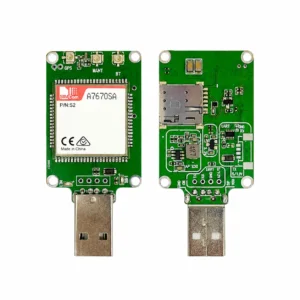
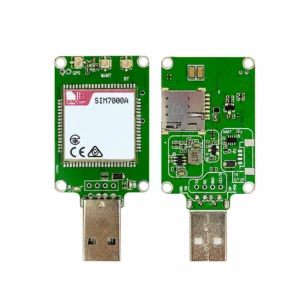
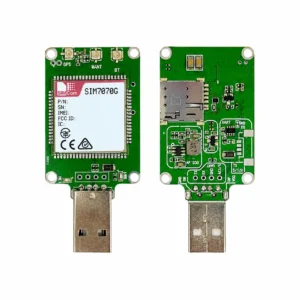
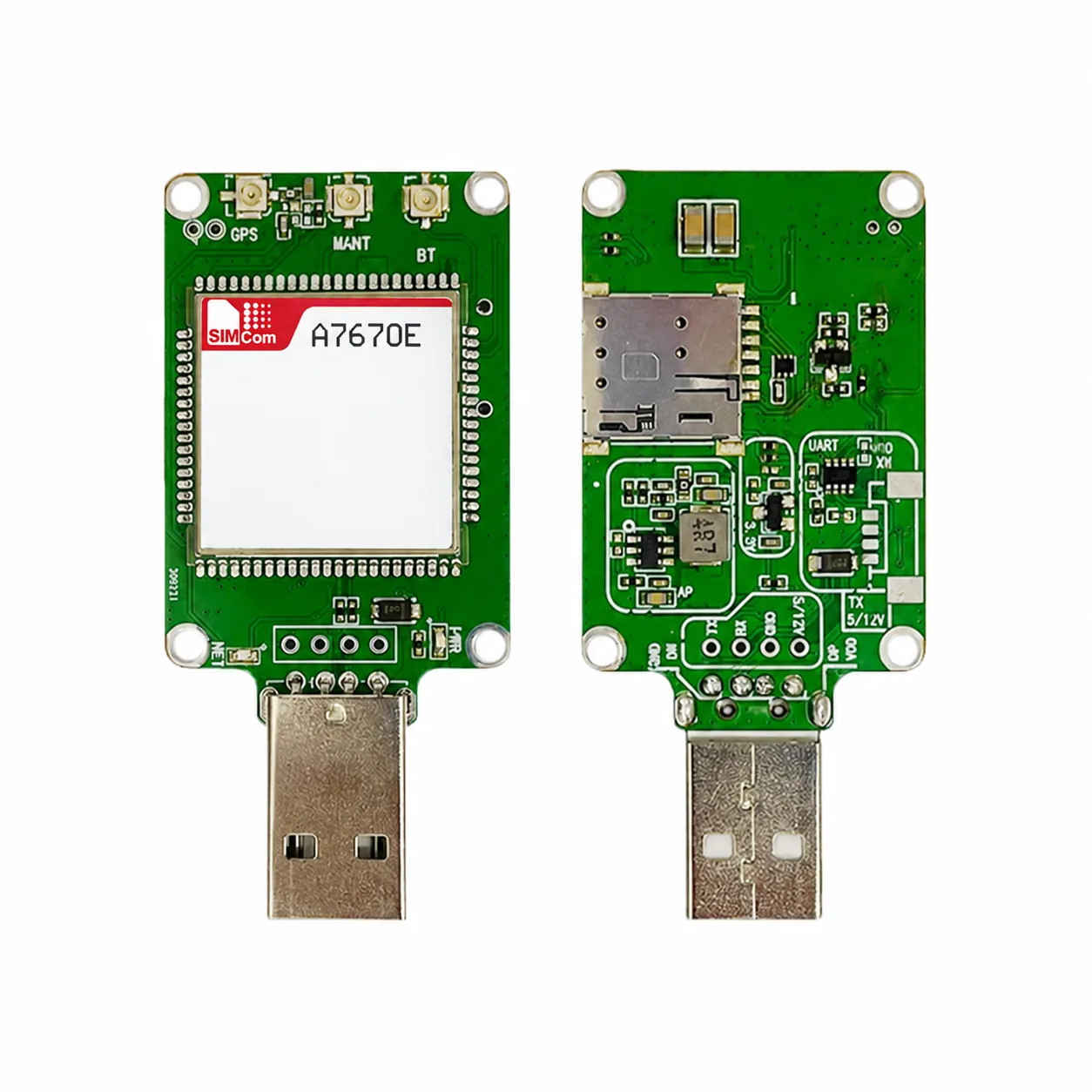
This page documents the 24 x 24 USB Dongle PCB layout shown in a local 2024 SIMCom board reference with an A7670E-populated sample. It is a distinct USB-A, Nano-SIM, antenna-connector and UART-pad form factor. It is not a bare module, M.2 card, Mini PCIe card, header development board, or a statement that every A7670X-family module is interchangeable.
The product image is a reference view of the matched front and reverse PCB. Device identifiers from the original sample have been removed; the image records board form and installed module family only, not a production lot, stock position, or supplied kit contents.
Documented board scope
The board reference identifies the adaptive modem scope as SIMCom A7670X, SIM7670X and A7676X LTE series plus SIM7070 and SIM7000 LPWA series. The pictured installed sample is labelled A7670E. This establishes a documented PCB-platform relationship; final ordering still requires confirmation of the exact populated module P/N, PCB revision, antenna option, SIM holder and included accessories.
| Reference dimensions | 43 x 30 mm in the board reference drawing. |
|---|---|
| Interfaces shown | USB, 3.3 V serial port, Nano-SIM push-push holder and first-generation IPEX RF connectors. |
| Power reference | USB supply 5 V; contact-pin input 5 V to 12 V; serial-port logic 3.3 V. |
| Configuration boundary | Radio bands, GNSS, firmware, approvals and final host integration remain properties of the exact populated module and offered revision. |
Related module and enquiry
For the bare module itself, see SIMCom A7670E LTE Cat 1 Module. For a different 30 x 30 USB board form, see SIMCom 30 x 30 USB Dongle Core Board reference platform.
Request a quote with the required A7670E module P/N, destination network, board revision, antenna option, host interface and quantity. Confirm the current configuration package before ordering.